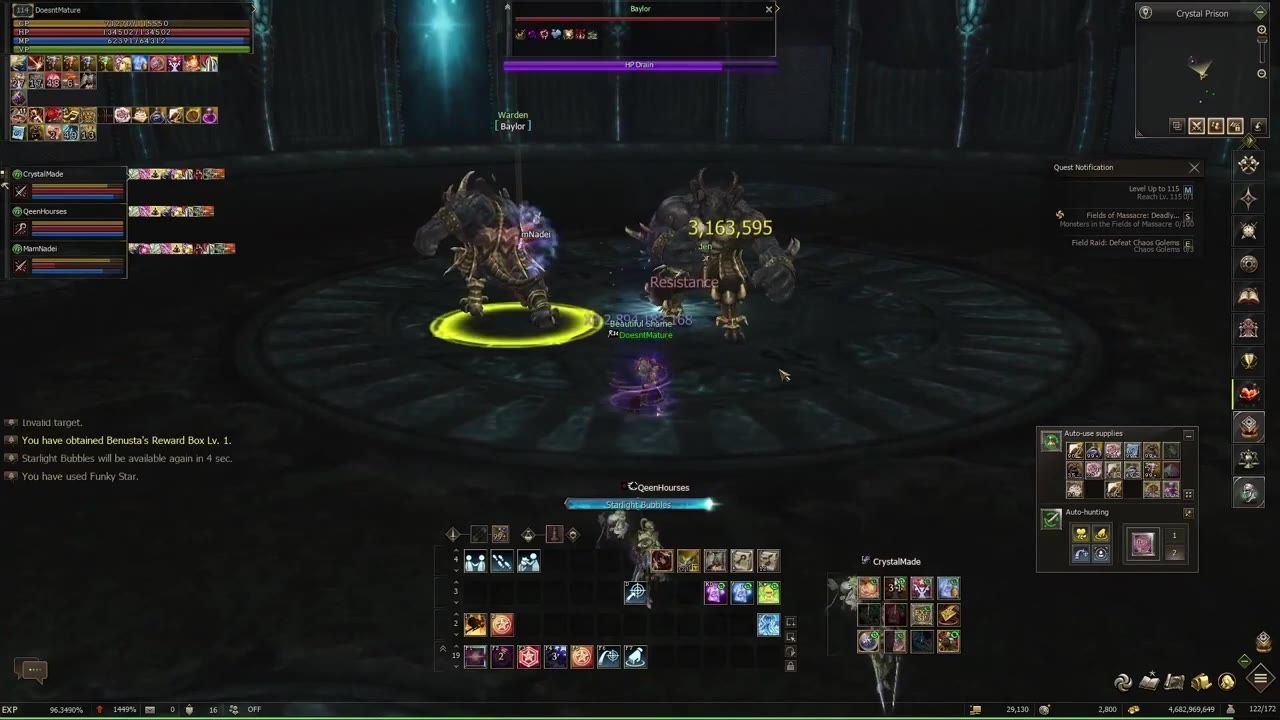
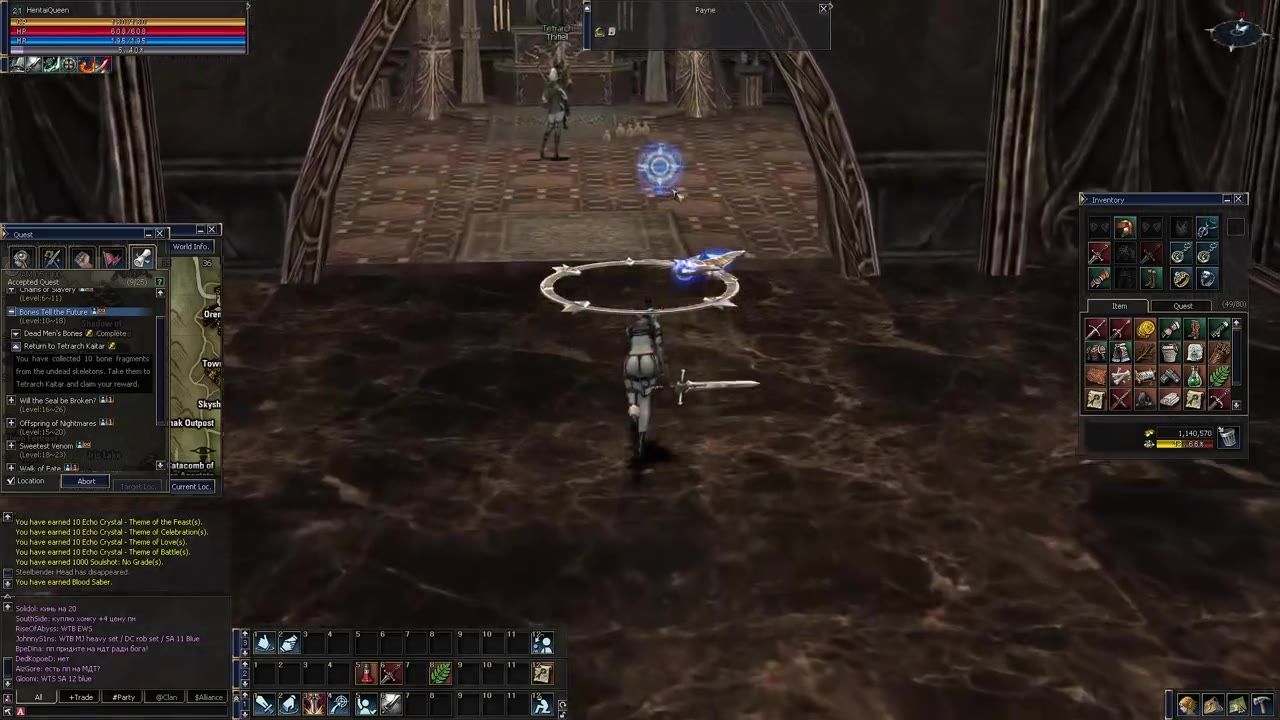
To install and run an L2jMobius private server for Lineage 2, you need to set up key components including the JDK, Eclipse IDE, and XAMPP for database configuration. You'll also need the Lineage 2 client, set it to connect to your server by adjusting launcher settings, and set up admin privileges using Heidi SQL.
Install the JDK for L2jMobius
The first step in setting up the server is installing the Liberica JDK, which is essential for running Java-based applications such as the L2jMobius server.
prerequisites
- Download the Liberica JDK from the project's resources linked in the Mobius setup guide.
- Install Liberica JDK, as it preconfigures system variables, including
JAVA_HOME. - Verify the installation is complete.
Set Up Eclipse IDE for Server Development
Prepare Eclipse IDE to configure and compile the L2jMobius server. This involves setting up the correct paths and importing the repository.
steps
- Download Eclipse IDE and extract it to your preferred directory.
- Configure the Liberica JDK path in Eclipse's preferences under Installed JREs.
- Use Eclipse’s Git integration to clone the L2jMobius repository, ensuring the correct clone URI is used.
- Import the projects from the repository and compile them using
build.xmlin Eclipse. - Locate the compiled server files in the
buildfolder and proceed with the next steps.
Configure and Run XAMPP Database
Set up the MySQL database, which the server relies on for operations.
steps
- Install XAMPP and run its control panel as Administrator.
- Start the MySQL module within XAMPP and ensure it is properly running as a service.
- Extract the Mobius server files from the
buildfolder. - Use the Mobius database installer tool to create the necessary tables for the database.
- Verify the database setup and confirm the server is ready to connect.

XAMPP Control Panel displays version 3.3.0 with MySQL module and file explorer visible. — Mobius Development
Download and Use Lineage 2 Client
Set up the Lineage 2 client to connect to your server by configuring its launcher.
steps
- Download the Lineage 2 Interlude client from a reliable source like archive.org.
- Extract the client files using a compression tool like WinRAR or 7-Zip.
- Adjust the launcher's settings or use an open-source tool to point the client to your server’s IP address.
- If necessary, rename
L2.bintoL2.exeand apply the modifications specified in the setup guide. - Confirm client-to-server connectivity by launching the game and logging in.
Create an Admin Character in Lineage 2
Assign admin privileges to your character using Heidi SQL for server management and testing.
steps
- Create a character in the game using the character creation interface.
- Download and install Heidi SQL to interact with the database.
- Locate the characters table in the database and modify the access level field to grant admin privileges (e.g., set it to 100).
- Verify that admin rights have been successfully assigned by entering the game and testing admin features, such as
/adminmenu commands. - Use the admin menu for tasks like teleporting, leveling, or acquiring items.

Heidi SQL interface displaying the characters' table with an access level entry. — Mobius Development
FAQ
How do I set up an L2jMobius server?
Setting up an L2jMobius server involves installing Liberica JDK for Java support, configuring Eclipse IDE for server compilation, setting up a MySQL database using XAMPP, and downloading the Lineage 2 client to connect.
What tools are needed to run a Lineage 2 private server?
You’ll need Liberica JDK, Eclipse IDE, XAMPP for the database, Heidi SQL for database management, and the Lineage 2 Interlude client to connect to the server.
How to configure database for L2jMobius server?
To configure the database, install XAMPP, start the MySQL service as Administrator, and use the Mobius database installer tool to create the required tables.
What to do after downloading the Lineage 2 client?
Extract the client files using a tool like WinRAR, adjust launcher settings or use an IP configuration tool to point the client at your server, and verify connectivity by starting the game.
How do I create an admin account in Lineage 2?
Create a character in the game, access the characters table using Heidi SQL, and set the access level field to 100. Verify admin rights in the game.
Sources
Screenshots on this page are frames from the videos below, used to illustrate the steps they describe. All rights remain with their creators.
- L2jMobius - Get Started — Mobius Development, July 27, 2025